[Editor Demo] Media and Utilities
Media showcase
Inspect visual blocks with actual uploaded assets
This page includes different image ratios, alignments, video embed settings, divider styles, and logo layouts.
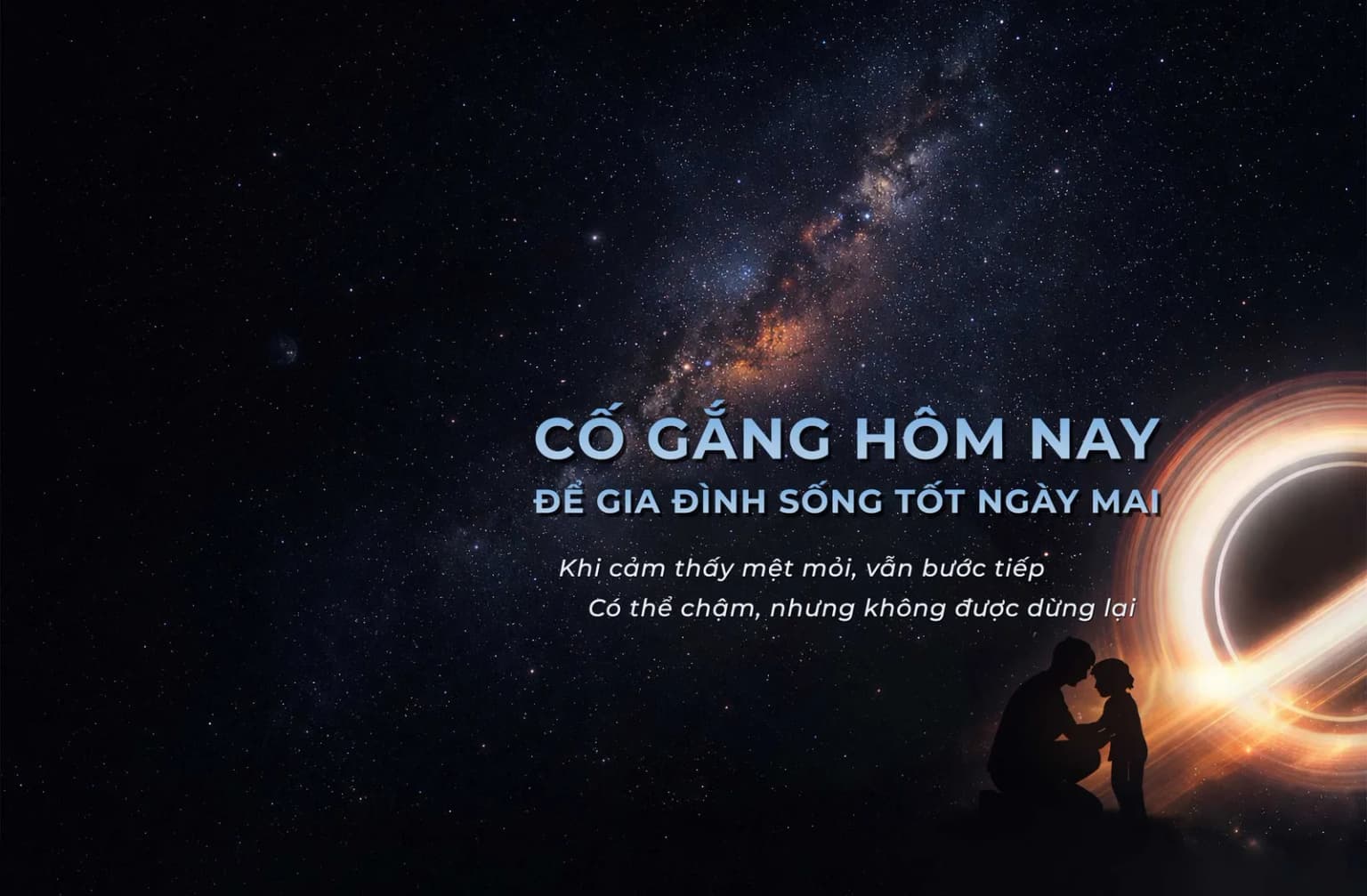
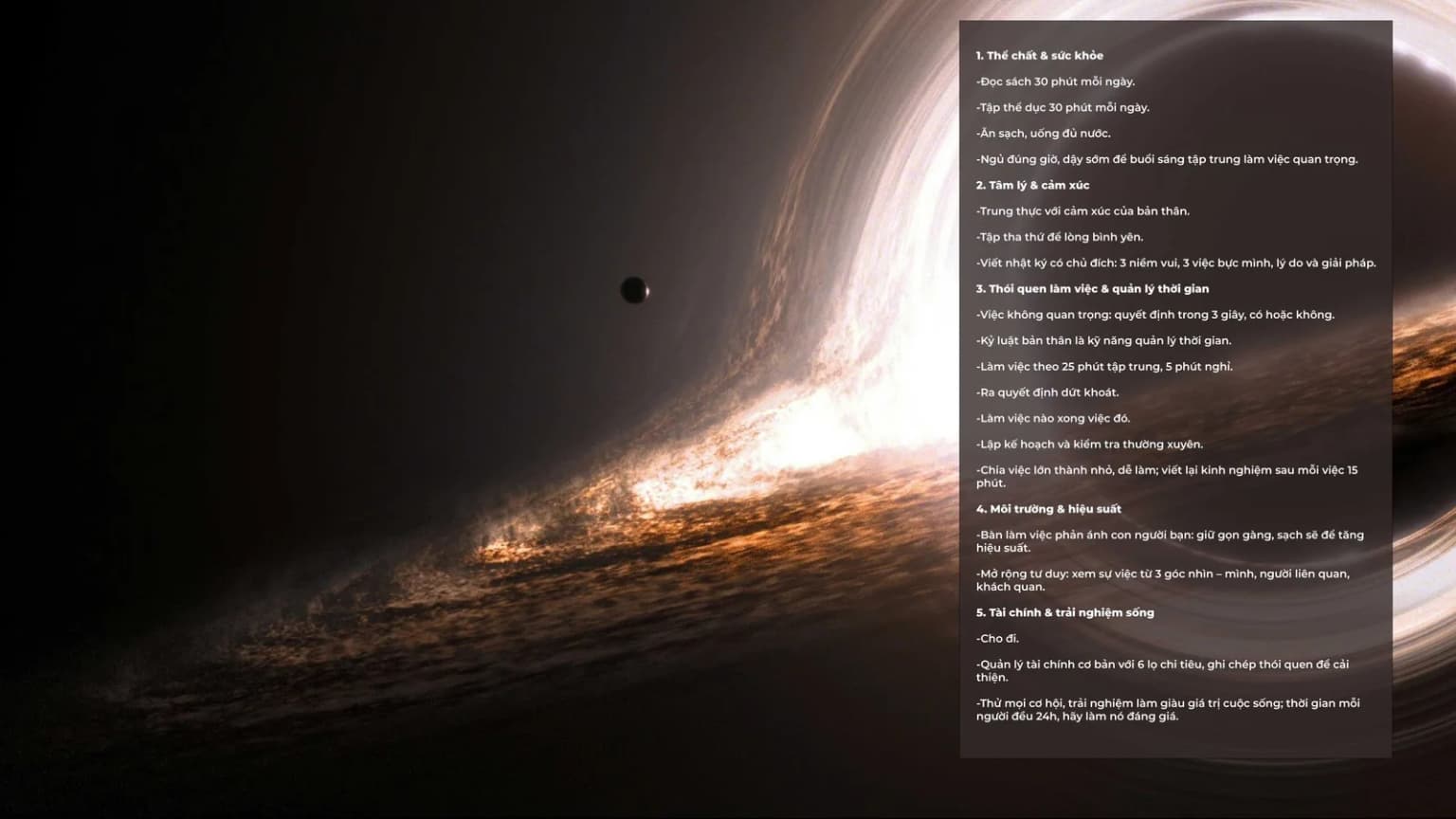

Banner / right / mdOpen layout recipes
Right-aligned banner with seeded background image
This helps compare banner output against the hero and image blocks on the same route.
Grid logos with grayscale on

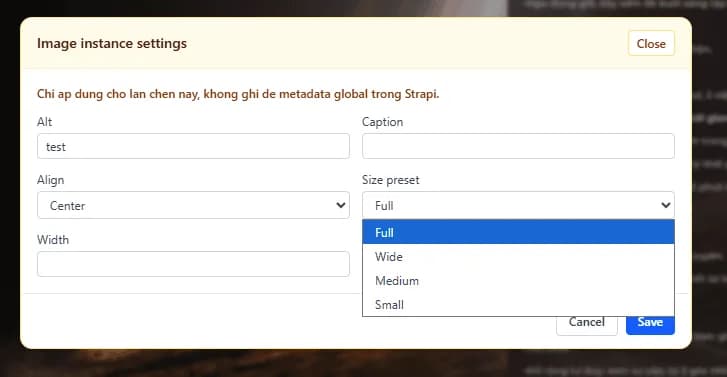
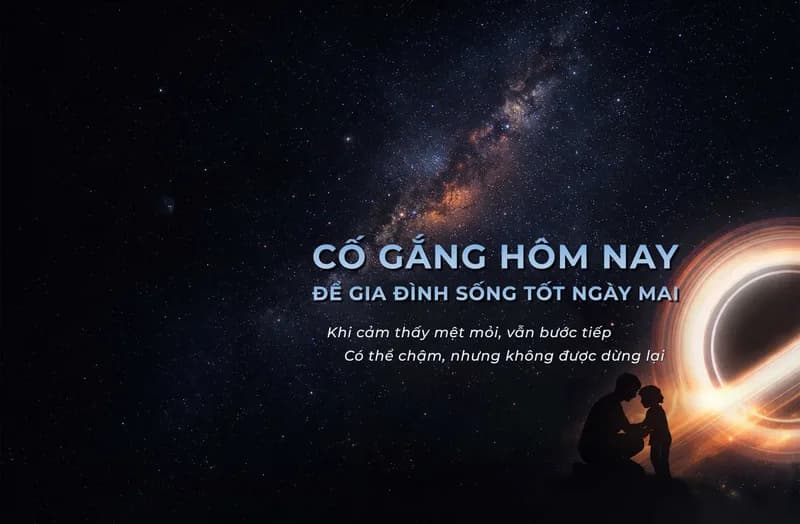
Media-block notes
Why upload media instead of leaving ids empty?
So you can compare the editor configuration with visible public output immediately.
Why use both grid and strip logo layouts?
To show how the same image set behaves under different layout modes.
This page focuses on image, video, logos, spacer, and divider blocks with visibly different settings.