[Editor Demo] Landing Mix

Editor demo
Landing-page composition with mixed content blocks
Use this page to inspect hero settings, banner framing, feature card variations, CTA treatments, and structured FAQs.

Banner block with overlay, badge, and centered content
This one uses a seeded local image so the public page has a visible background instead of a placeholder.
Feature-grid variants
Three editorial angles in one section
The cards below deliberately mix icon-only and media-backed items so you can inspect item-level settings.
Content-first storytelling
Use hero, rich-text, feature-grid, FAQ, CTA, and testimonial blocks to stage narrative flows.

Media-backed merchandising
Image, banner, logos, and video blocks can reference uploaded assets already seeded into local Strapi.
Utility spacing control
Spacer and divider blocks help you inspect pacing without touching global CSS.
Button group with mixed styles
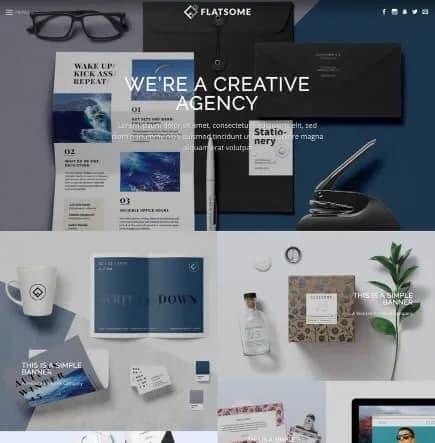
Logos block with real uploaded assets



Testimonials block in 3-column grid mode
“This page is the fastest way to learn which fields affect public output.”
“The seeded samples make row and column settings far easier to reason about.”
“Real media references are more useful than empty placeholder payloads.”
CTA / outline
Switch from broad landing pages to narrow editor recipes
Use the layout page to inspect nested section -> row -> column configuration with different widths, gaps, visibility, and padding values.
Questions editors usually ask first
Do these entries overwrite the homepage or live catalog pages?
No. The script only upserts dedicated editor-demo slugs and leaves site settings unchanged.
Can I open these in the CMS editor and compare to public rendering?
Yes. Each seeded entry is published and uses visible block settings so the public route should reflect what you see in the editor.
Are utility blocks included too?
Yes. Spacer and divider examples are seeded on the media and layout demo entries.